


Loki's published mobile information describes access through web technology on Android and iOS. Its installation page refers to a browser-based approach. A web application placed on a home screen is not necessarily an independent native product from an app store. This distinction is useful when assessing updates, permissions and claims of device compatibility.
The following guide discusses the technical characteristics of mobile casino interfaces, the limits of general compatibility claims and the protection of personal information. A mobile layout does not alter the geographic restrictions or the applicable account conditions. The existence of an icon is not evidence of regulatory approval.
| Mobile format | Browser and web app |
| Android browsers | Chrome, Firefox and Samsung Internet are common options |
| iOS browsers | Safari and Chrome are common options |
| Game interface | Slots, tables and live dealer content |
| Data use | Varies with graphics, streaming and device settings |
| Account protection | Device security and identity controls |
What runs in the browser
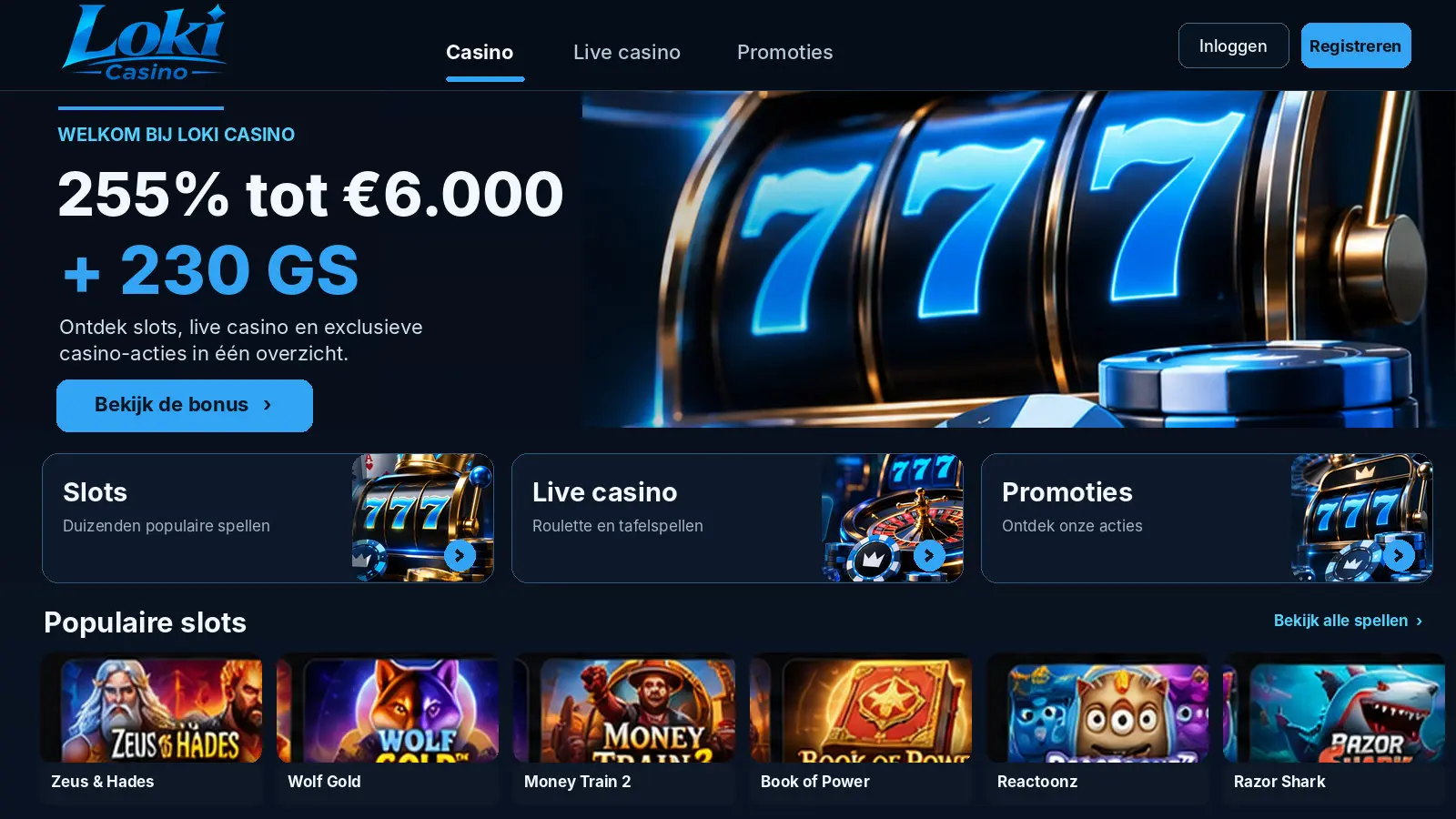
A mobile website can use the same underlying service as a desktop site while displaying its elements in a different arrangement. Menus can collapse, columns can stack and text can wrap to fit a narrow screen. An adaptive interface does not automatically change the settlement rules of a game or the financial terms of an account.
A web application can add a home-screen entry and present the browser content in an application-like window. Its resources may be cached locally, but its principal functionality still depends on the website and the browser engine. This is different from a compiled native application whose code and updates are distributed as an operating-system package. Neither model independently establishes whether a gambling service is authorised in a particular region.
Device variation in Android
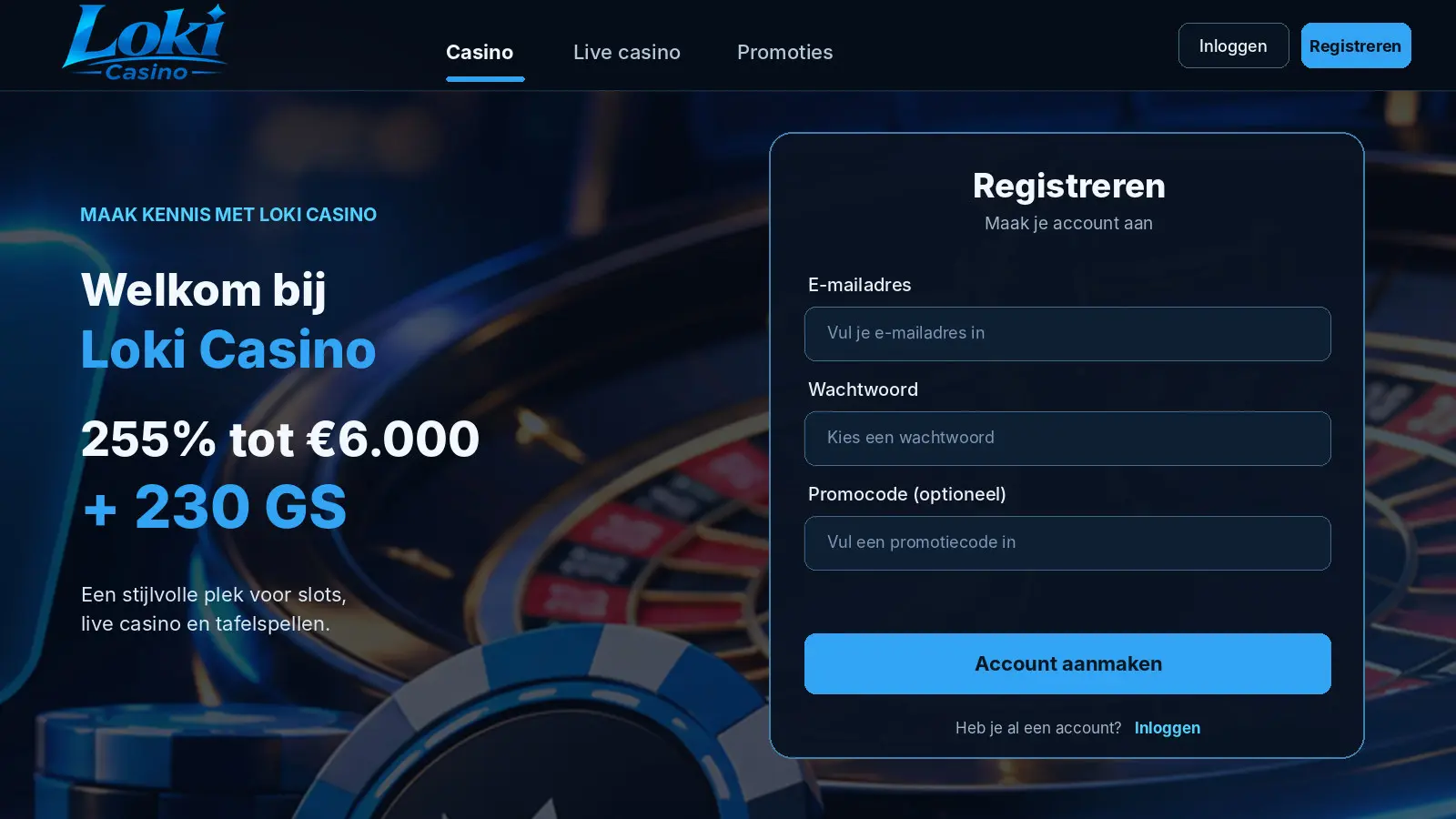
Android is used on a broad range of phones and tablets. Their display dimensions, memory capacity, battery settings and software versions differ. Chrome, Firefox and Samsung Internet are familiar browser options, but a browser's presence on a device is not evidence that every feature of a particular site has been tested with it.
Some devices aggressively suspend background activity to preserve power. Others provide different controls for data usage or app permissions. The same web interface can therefore behave differently when a user changes applications or leaves a page inactive. A useful compatibility assessment identifies the actual device and the observed function rather than treating Android as one uniform hardware configuration.
Apple devices and interface constraints

Safari is a standard browser on Apple mobile devices. The version of the operating system and the applicable browser implementation influence web features. An older version may handle local storage, notifications or background activity differently from a current release. General support for iOS cannot be translated into a guarantee that every model behaves identically.
A web app may have a dedicated window and a distinctive icon while retaining browser-based limitations. App-store availability is a separate question. Loki's published browser installation information establishes the type of mobile solution it presents, not the existence of a separately distributed native application for each market.
Screen design and the visibility of conditions
A polished mobile catalogue may be easy to browse while displaying financial or contractual information less prominently. Small screens can obscure the relationship between a promotional headline and its qualifying rules. A responsive table must preserve the association between each label and its value after the layout changes.
The visibility of payment status, transaction history and account controls is part of interface quality. An important decision should not rely on a notification that disappears after a few seconds. Persistent records are more useful for resolving disputes than transient visual messages. A review should assess the completeness of these elements, not merely the size of the game thumbnails.
Streaming and game data
Live casino products involve a video stream in addition to game and account data. A digital slot may instead rely on locally rendered animations and messages exchanged with the game service. These components have different demands on the network and device. A weak connection may affect video quality without establishing that the underlying game round has been cancelled.
Where a game appears to freeze, the displayed animation and the registered outcome are separate pieces of evidence. The round identifier and official game history can establish what the system recorded. Repeated actions on a stalled interface may complicate the record. It is important to distinguish an interface failure from the settlement of a financial event.
Battery, storage and background activity
A graphically intensive page or continuous video stream can increase battery consumption. The effect varies with screen brightness, hardware, network conditions and browser implementation. It is not appropriate to promise a fixed operating time for a broad category of phones. A device's thermal and power-management controls may also change its performance during extended activity.
Websites can store preferences, session identifiers and other data through browser mechanisms. Clearing those records can sign a user out or remove saved settings. It does not necessarily remove information previously stored by the website or a third-party provider. Local device storage and server-side retention are separate aspects of privacy.
Account access and authentication
Mobile browsers may offer password storage or autofill. These features can reduce the need to type credentials, but they also depend on the security of the device and the associated account. A person who shares a phone should consider who can see stored information or unlock the screen. Account recovery can become another point of exposure if the linked email is not adequately protected.
Authentication information should not be shared with an unsolicited caller or message sender. A fraudulent interface can reproduce the branding of a familiar business. The presence of a logo or a secure-connection symbol does not by itself establish who controls the destination. Verification of the recipient matters before any sensitive information is transmitted.
Mobile financial interfaces
Cards, electronic wallets and bank-payment services can involve a separate approval window. Visa, Mastercard, Skrill, Neteller and bank transfers are common international payment categories. The options available within a given account depend on regional eligibility, account rules and the provider. A mobile payment screen should not be treated as a guarantee of availability or successful settlement.
A bank notification and a casino balance update can occur at different times. A customer with a disputed transaction should preserve the original amount, currency, time and reference number. Those details allow the parties to identify the same transaction across multiple systems. Payment security cannot be inferred simply from a successful redirect between interfaces.
Permission requests and impersonation
A website may request access to a camera, file selection or notifications for a particular purpose. Permission should be proportionate to the function involved. A general catalogue does not require unrestricted access to the contents of a device. The operating system and browser may permit a user to review or withdraw previously granted permissions.
Files advertised as casino applications through informal messages or unfamiliar download pages can pose a security risk. An unknown package may seek credentials or other sensitive information while imitating the appearance of a genuine service. No review should direct a reader towards untrusted software or imply that a third-party installer is necessary to overcome geographic restrictions.
Marketing exposure on a personal device
A phone makes notifications available throughout the day. Promotional alerts, leaderboard reminders and messages about expiring rewards may interrupt unrelated activities. The convenience of a mobile interface can therefore affect gambling frequency as well as technical accessibility. These behavioural effects belong in a mobile review alongside discussions of layout and performance.
A person trying to reduce gambling exposure can disable promotional notifications, remove home-screen shortcuts and use device-level restrictions. Those actions can supplement formal self-exclusion but do not replace it. Anyone experiencing persistent urges or financial distress should seek appropriate professional support rather than rely solely on software settings.
Scope of this technical overview
A dependable performance test would document the hardware, browser versions, network conditions and exact features assessed. No such personal test is represented in this article. It draws on the brand's published browser-oriented mobile information and on general characteristics of web applications. Claims about flawless operation, speed or complete device coverage would require additional evidence.
The mobile catalogue can be described without implying that every feature is legally or technically available to every customer. Interface design, licensing status and the financial terms of gambling are separate questions. A device-compatible page does not remove any of the risks associated with gambling or establish a right to access a restricted service.
Accessibility and the status of a screen
Text size, contrast and the labelling of interactive controls are relevant to a mobile review. A cached screen can show outdated information after a connection fails. A visible balance or game result is not conclusive proof of the status held by a remote server. In a dispute, the underlying transaction record matters more than an isolated visual display.